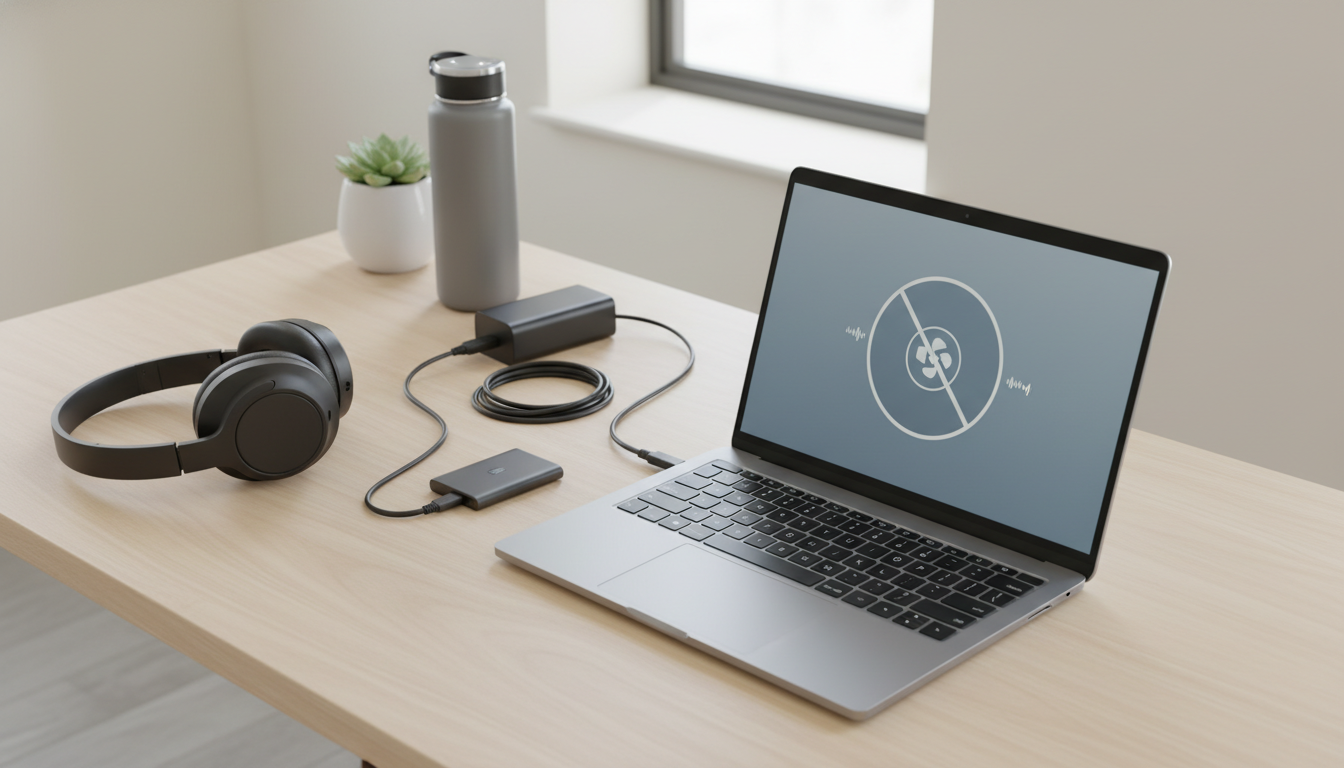
Truly “silent” laptops are rare because most computers need active cooling under heavier loads. The quietest choices are models designed to run fanless most of the time (or all of the time), paired with efficient processors and storage that doesn’t add extra noise. In real-world use, the most silent-feeling laptops tend to be fanless ultralights, machines with aggressive low-power modes, and laptops that stay cool enough that their fans rarely spin up.
The most silent laptops are fanless models or laptops whose fans stay off during everyday tasks like browsing, email, and document work. Fanless designs remove the main noise source entirely, so you’ll mostly hear only occasional coil whine (if present) or environmental sounds.
Fanless ultrabooks and tablets-with-keyboards: These prioritize low-power chips and passive cooling, making them the closest thing to “silent” you can buy. They’re best for light productivity, schoolwork, and travel.
Apple laptops during light use: Many MacBook models remain extremely quiet in day-to-day tasks, with fans that either stay off or spin very slowly. Under sustained video export or gaming, fan noise can appear, but it’s often smoother and less noticeable than many thin Windows laptops.
Business-class laptops tuned for quiet profiles: Some premium business systems offer excellent thermal management and conservative performance modes that keep fan noise low in meetings and office environments.
Gaming laptops and thin high-performance laptops are built to push powerful CPUs/GPUs, and that heat demands airflow. Even “quiet mode” can still be audible when the system is working.
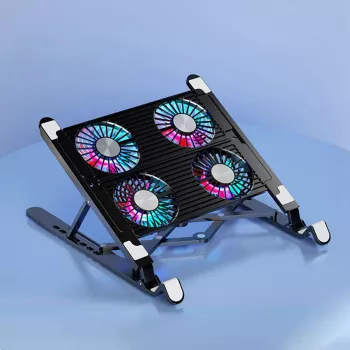
Quiet operation often comes down to temperature. Better airflow can reduce how often fans ramp up and how loud they get. A stable stand and cooler running temps can make a noticeable difference; this guide on improving cooling with less noise explains practical options: quiet quad-fan laptop stand cooler guide.
Use a power-saving or “quiet” fan profile, keep vents dust-free, and improve airflow by elevating the rear of the laptop or using a stand so the fans don’t have to spin as fast.





Leave a comment