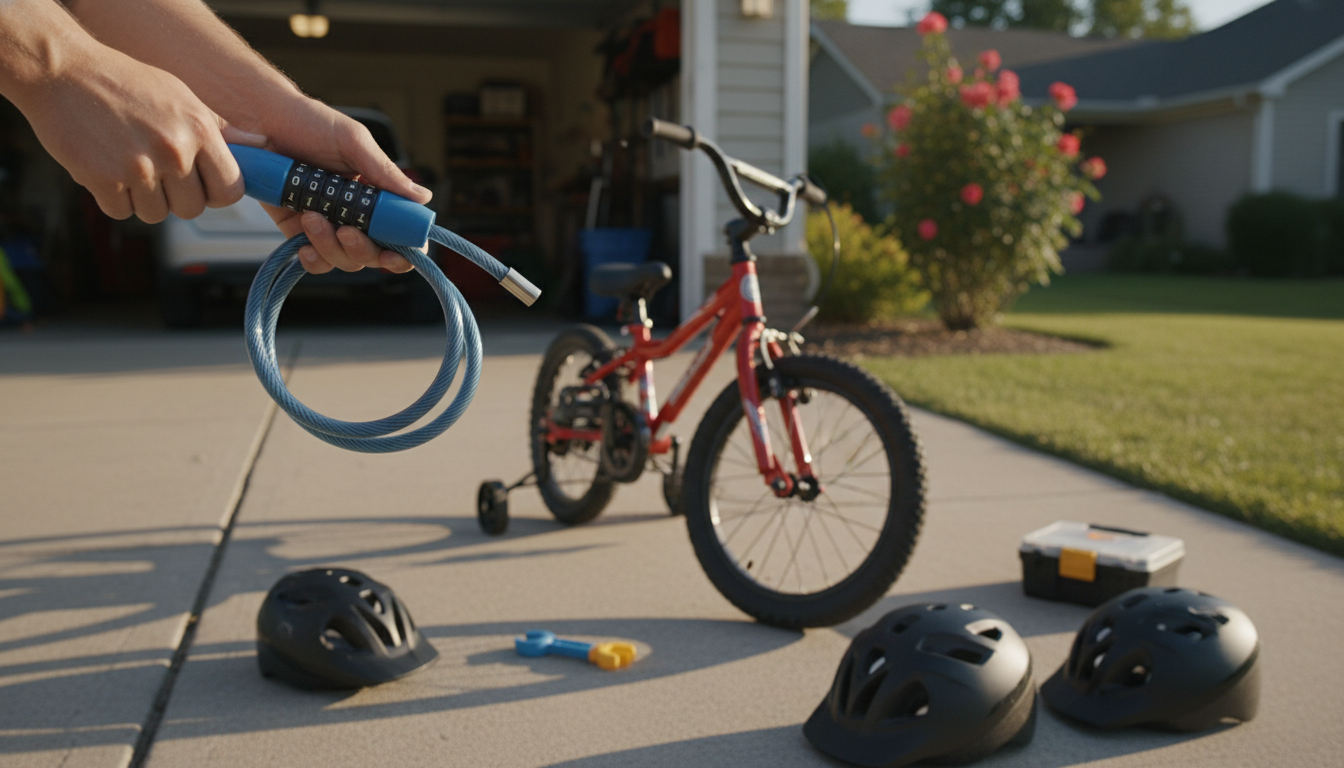
Most kids’ 5-digit cartoon cable bike locks use a simple “set while open” design. The lock must be in the open position to change the code, and a small reset switch or button is used to store the new combination. Because designs vary slightly, it helps to follow the exact steps for your model; the full walkthrough is available here: https://appealingtreasures.com/guide-kids-5-digit-cartoon-cable-bike-lock/.
Start with the factory combination (commonly 00000). Align all five number wheels to the current code, then open the lock by releasing the cable end from the locking head.
With the lock open, locate the reset control. Depending on the lock, this is either a sliding switch, a push button, or a small rotating tab near the dials. Move it into the “SET” position (or press and hold it) to enable programming.
Turn the five dials to your new 5-digit code. Choose something your child can remember but isn’t obvious like 12345 or a birthday.
Return the reset control to the normal position (or release the button). Close the lock by inserting the cable end fully, then scramble the dials. Test the new code two or three times before using it away from home.
To reset, you must know the current combination. Dial the existing code, open the lock, and put the reset control into “SET.” Turn the dials to the new 5-digit code, switch the reset control back to normal, and close the lock. Scramble the dials and confirm the new code works.
Most issues come from the lock not being fully open or the reset switch not being moved all the way. Make sure the cable is completely removed from the head, the dials are perfectly aligned, and the reset control is firmly engaged before changing numbers.
If you don’t know the current code, most 5-digit kids cable locks can’t be reset through normal steps. Check any original packaging or notes first, and if the lock has no recovery key or registered code, replacement is usually the fastest option.





Leave a comment