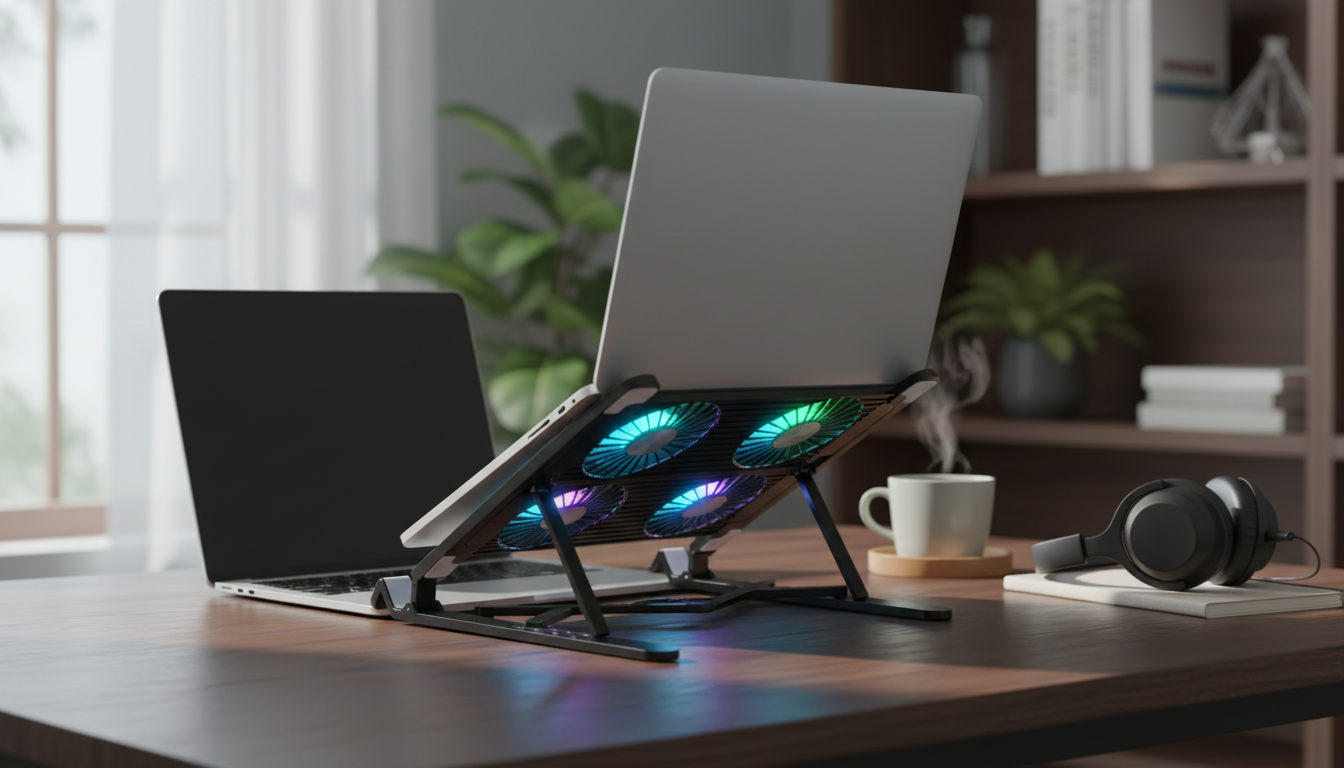
Fan noise and heat buildup can turn focused work into a distraction. A portable cooling stand can help stabilize temperatures, improve comfort, and support better airflow—especially during long video calls, gaming sessions, or heavy multitasking. This guide explains what a “silent” quad-core (multi-fan) laptop stand can realistically do, how to set it up for the best results, and what to check before buying.
Why laptop heat and fan noise escalate
Modern laptops pack powerful components into thin shells, and that compact design makes heat harder to move away from the CPU/GPU. When internal temperatures rise, the laptop’s fans respond by spinning faster—often becoming the loudest thing in the room.
- Tight internal layouts: Limited space for air channels means heat can linger and fan speeds ramp quickly under load.
- Dust and blocked vents: Dust acts like insulation and can clog intake/exhaust paths. The U.S. EPA notes that indoor dust is common and can accumulate easily in living spaces, which is why regular cleaning matters (EPA: indoor air quality basics).
- Soft surfaces: Beds and couches can partially seal bottom vents, restricting intake airflow and raising temperatures even during light tasks.
- Thermal throttling: Sustained heat can cause performance throttling, where the laptop reduces speed to protect components. Understanding a chip’s thermal limits and design targets (often discussed via TDP concepts) helps explain why some laptops run hotter than others (Intel: processor thermal concepts).
What “silent” cooling stands typically do (and what they can’t)
“Silent” rarely means zero sound. Most quiet cooling stands aim for a lower-noise fan curve, reduced vibration, and smoother airflow—so the noise blends into the room instead of cutting through it.
- Noise reduction strategies: Lower RPM fans, vibration-damping feet, and a stable frame can reduce rattles and high-pitched whine.
- Airflow advantage: A stand primarily helps by lifting the laptop and improving access to its intake vents, which can reduce sudden temperature spikes and hot surface areas.
- Limits to expect: A stand can’t fix a failing internal laptop fan, dried thermal paste, or a heat sink that’s clogged internally. Those issues require maintenance or repair.
- Best results come from pairing: Light cleaning (vents, fans) and keeping intakes unobstructed often makes a noticeable difference alongside a stand.
Quad-core cooling: how multi-fan layouts help
Quad-fan (multi-fan) layouts are built around a simple idea: distribute airflow across more of the laptop base instead of concentrating it in one spot. That can matter when the CPU/GPU hot zones aren’t centered, or when different laptops place their vents in different locations.
- More even coverage: Multiple smaller fans can spread airflow across a wider area than a single fan in some designs.
- Targeting hot spots: Separate fan zones can better support common hot areas, depending on where your laptop pulls intake air.
- Lower perceived noise: If airflow is maintained with lower individual fan RPM, the sound can be less sharp and less distracting.
- Alignment matters: A stand works best when its fan positions roughly line up with the laptop’s bottom intake vents.
If your goal is calmer calls, steadier performance, and a cooler-feeling keyboard deck, a portable stand can be a straightforward upgrade—especially if you move between rooms or workspaces.
- Portable by design: Easy to shift between home, office, and travel setups without rebuilding your whole desk.
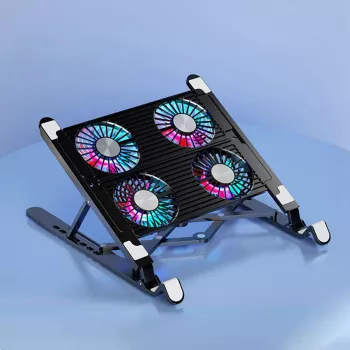
- Quad-fan airflow approach: Built to push balanced airflow while keeping fan noise on the lower side.
- Ergonomic lift: Elevation can bring the screen closer to eye level and encourage a more neutral neck posture over long sessions.
- Works best on hard surfaces: A flat desk helps prevent airflow loss and minimizes extra vibration sound.
Shop the featured stand here: Silent Portable Laptop Stand with Quad-Core Cooling.
Quick checklist: is this stand a good match?
| Need |
Why it matters |
What to check before buying |
| Low-noise workspace |
Less distraction during calls, studying, or shared spaces |
Look for “silent/low-noise” positioning and a stable build to reduce vibration |
| Heat control during heavier tasks |
Helps reduce throttling and hot surfaces |
Confirm your laptop has bottom intakes that benefit from added airflow |
| Portability |
Easier to pack or move between desks |
Check size/weight and whether it fits your bag and desk footprint |
| Comfortable viewing angle |
Reduces neck strain during longer sessions |
Choose an angle/height that keeps the screen near eye level |
Setup tips for better cooling and less noise
Small changes in placement can have outsized effects. If the laptop isn’t positioned over the airflow path (or if the stand is sitting on a soft surface), performance can look inconsistent from day to day.
Who benefits most from a quiet cooling stand
Care, safety, and longevity
More helpful add-ons for portable setups
FAQ
Which laptops are silent?
Truly silent laptops are typically fanless designs that rely on passive cooling and efficient, low-power chips. Many mainstream laptops are “quiet” rather than silent and become audible under heavier workloads; a quiet cooling stand can sometimes reduce how often internal fans ramp up.
What is the best laptop with passive cooling?
Passive cooling usually means a fanless laptop, and the best choice depends on what you do most—web browsing and office work need far less sustained power than video editing or gaming. Prioritize efficiency, strong performance-per-watt, and a chassis designed to shed heat comfortably over long sessions.
Recommended for you






Leave a comment