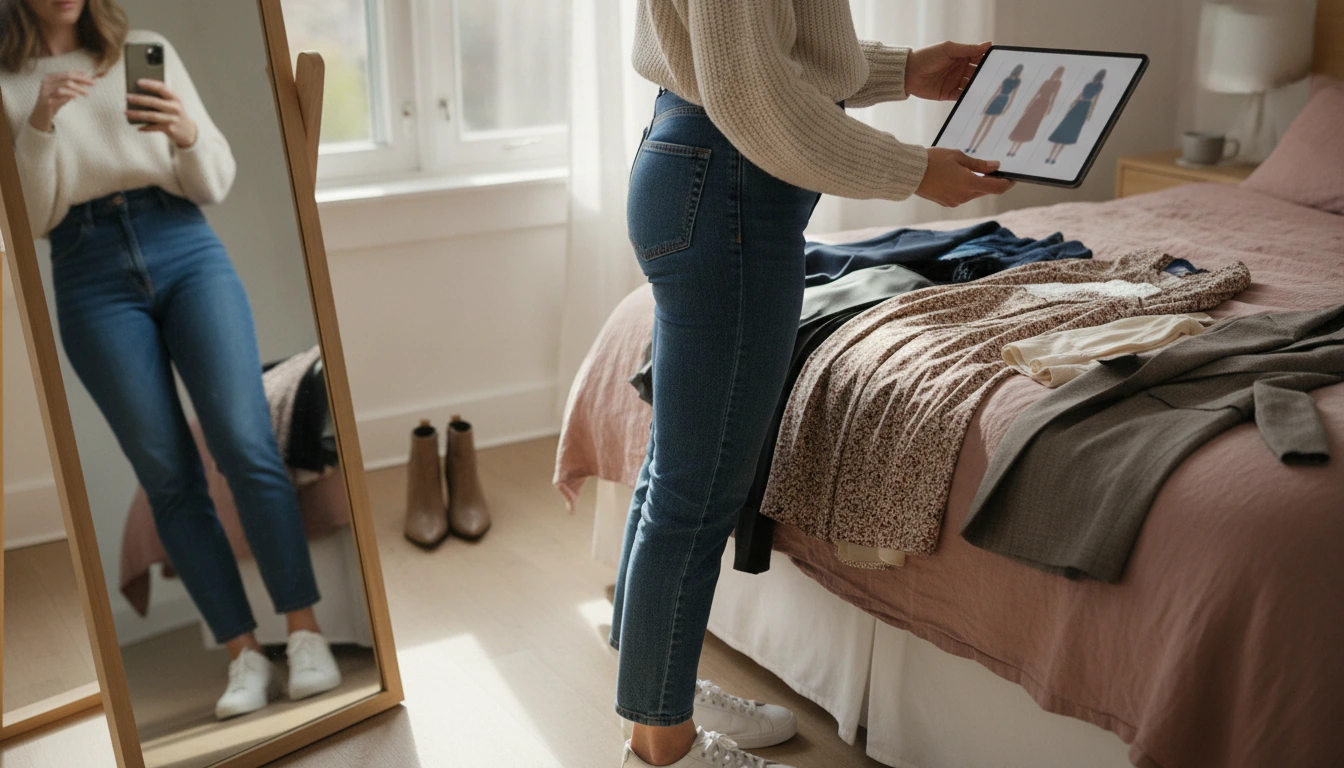
To check an outfit with AI, start by giving the tool a clear view of what you plan to wear, then let it evaluate fit, color balance, and styling cohesion. Many AI style checkers work from a photo, a mirror selfie, or a quick “flat lay” shot of your pieces on a bed or table. The better the lighting and the more accurate the colors, the more useful the feedback.
Use one full-body photo (front-facing is usually enough) and, if possible, add a second angle. If you’re checking a specific item, include a close-up so the AI can “see” fabric texture, pattern scale, and details like neckline, rise, or sleeve shape.
Instead of a broad “Does this look good?”, request specific feedback such as: color harmony, silhouette balance (top-to-bottom proportions), formality level (too dressy or too casual), and what single change would make the outfit look more intentional. AI performs best when it has a clear scoring target.
If you’re torn between two shoes, jackets, or bags, run two versions of the outfit and ask which reads more polished and why. This helps catch small issues—like a competing toe shape or a jacket length that cuts the leg line.
If you’re starting from a Pinterest pin or saved look, AI can translate that vibe into pieces you already own by describing the essentials (color palette, key silhouette, and statement element). For a step-by-step method that goes from pinned inspiration to a realistic outfit checklist, see this guide to turning Pinterest looks into wearable outfits with AI.
Upload a well-lit full-body photo plus one close-up of the key item (like the top, shoes, or jacket). Clean backgrounds and true-to-life colors help the AI judge proportions and coordination more reliably.




Leave a comment