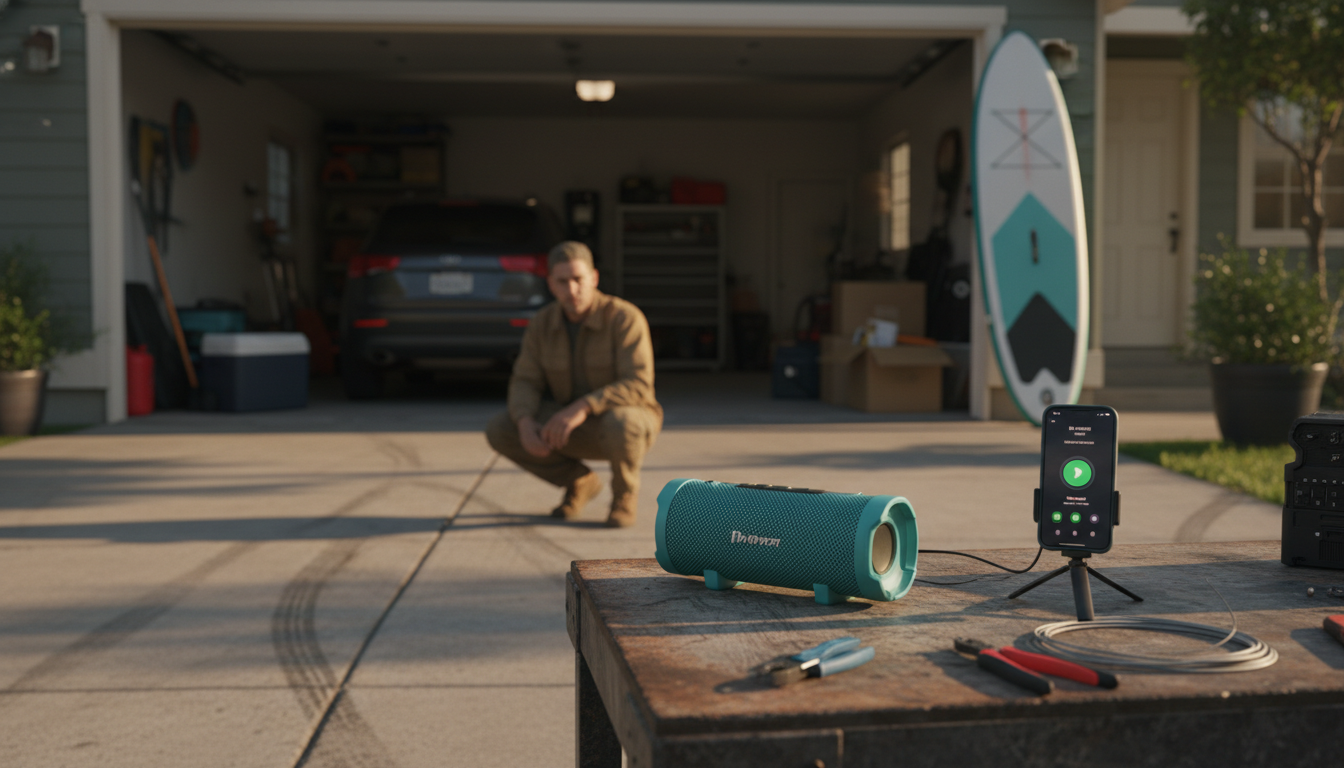
Pairing an IPX7 waterproof speaker is usually quick, but a few small details—like charging it first and clearing old connections—can make the difference between instant pairing and frustrating retries. The steps below work for most IPX7-rated portable Bluetooth speakers, whether you’re connecting to a phone, tablet, or laptop.
1) Charge and power on the speaker. A low battery can cause pairing dropouts. Turn the speaker on and keep it within 3–6 feet of your device.
2) Put the speaker in Bluetooth pairing mode. Press the Bluetooth/Pair button (or press and hold the Power button on some models) until the indicator light flashes or you hear a pairing tone. Flashing blue lights commonly mean “discoverable.”
3) Open Bluetooth settings on your device. On iPhone/iPad: Settings > Bluetooth. On Android: Settings > Connected devices (or Bluetooth). On Windows/macOS: Bluetooth settings in System Settings/Preferences.
4) Select the speaker from the list. Tap/click the speaker name when it appears. If prompted for a PIN, try 0000 or 1234 (many speakers won’t require a code).
5) Confirm audio output. Start music and make sure the speaker is chosen as the playback device. If sound still comes from the phone, switch the audio output to the Bluetooth speaker in your media controls.
Clear old pairings: If the speaker was previously connected to another device, it may reconnect automatically. Disable Bluetooth on the old device or “Forget/Unpair” the speaker there.
Reset Bluetooth: Turn Bluetooth off/on on your phone, or restart the phone. You can also power-cycle the speaker.
Use a speaker reset (if available): Many speakers reset by holding specific buttons (often Bluetooth + Volume Down) for several seconds. Check your model’s manual.
For more tips on portable Bluetooth speaker features and setup, see the full guide here: https://appealingtreasures.com/blog/guide-20w-portable-bluetooth-speaker-hi-res-ipx5-rgb/.
Common causes include low battery, being too far from the phone, interference from other wireless devices, or the speaker reconnecting to a previously paired device. Charge it fully, stay within range, and “Forget” the speaker on old devices to stabilize the connection.






Leave a comment